ai inpaint AI Generator

Imagine effortlessly restoring old photographs, removing unwanted objects, or enhancing image details with just a few clicks. With PixelDojo's AI inpainting tools, you can achieve professional-grade image restoration and enhancement without the need for complex software or technical expertise. Our AI-powered solutions empower you to bring your creative visions to life, whether you're a photographer, designer, or hobbyist.

AI Generated
Get Started TodayResults in seconds50+ AI models

Join over 10,000 satisfied users who have transformed their images using PixelDojo's cutting-edge AI tools. Rated 4.8/5 based on 2,000+ reviews.

Why Choose Pixel Dojo for ai inpaint

Professional-quality results with cutting-edge AI technology

Effortless Image Restoration

Revive old or damaged photos by seamlessly filling in missing or deteriorated areas, preserving cherished memories.

Remove Unwanted Elements

Easily eliminate unwanted objects or imperfections from your images, enhancing their overall composition and appeal.

Enhance Image Details

Refine and improve specific areas of your images, such as facial features or backgrounds, to achieve a polished and professional look.

How It Works

Transforming your images with PixelDojo's inpainting tools is a straightforward process. Follow these simple steps to achieve stunning results:

1

Step 1: Select Your Image

Upload the photo you wish to edit to PixelDojo's platform.

2

Step 2: Mask the Area

Use the intuitive brush tool to highlight the area you want to modify or remove.

3

Step 3: Apply AI Inpainting

Let PixelDojo's AI seamlessly fill in the masked area based on the surrounding content, delivering a natural and cohesive result.


Community ai inpaint Gallery

Real examples created by our community

a photo of a ninja in front of a japanese dojo. on the wall a sign reads PixelDojo.ai Now with Imagen 4
a photo of a man flying through the air on a drone. the clouds say "PixelDojo.ai Now With Imagen 4"
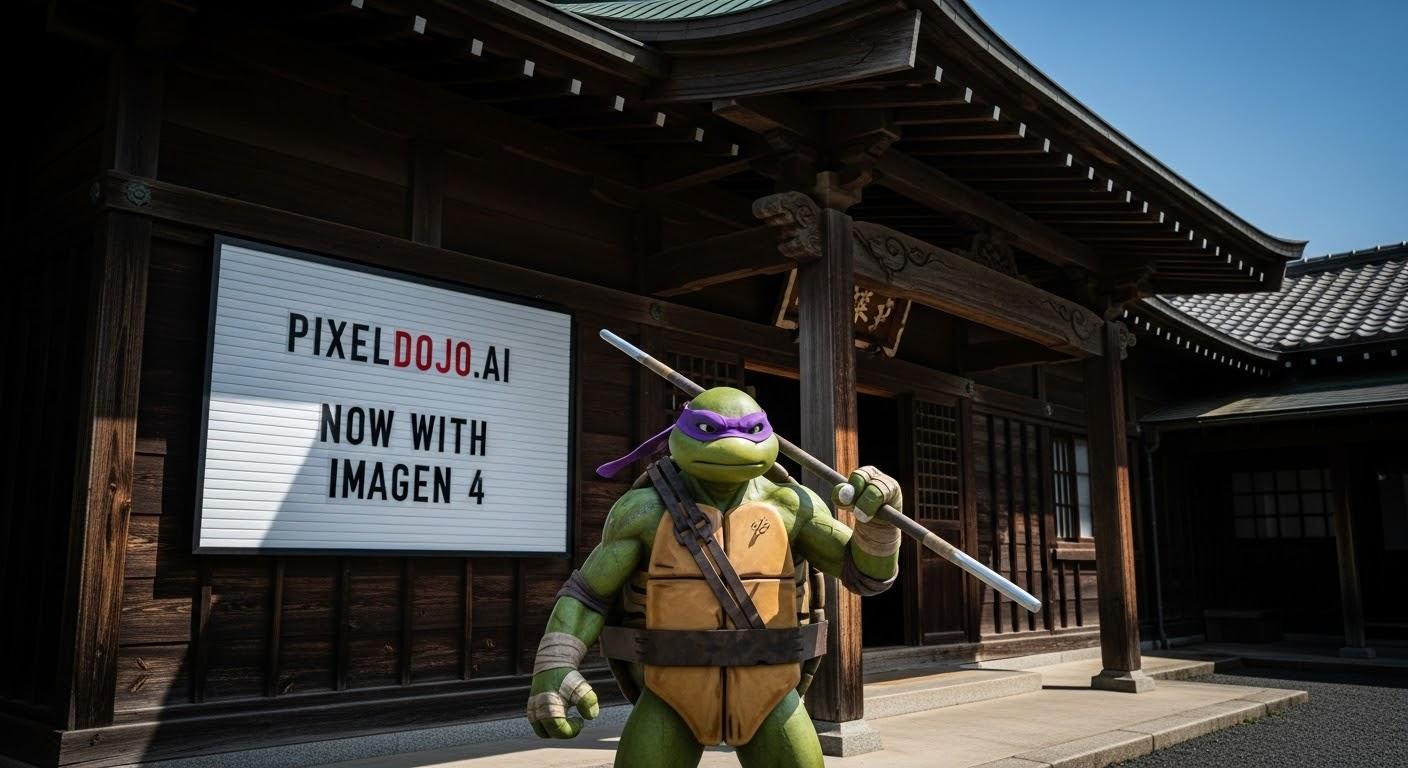
a photo of a ninja turtle in front of a japanese dojo. on the wall a sign reads PixelDojo.ai Now with Imagen 4
show me her in a red dress (edited with Google Nano Banana)
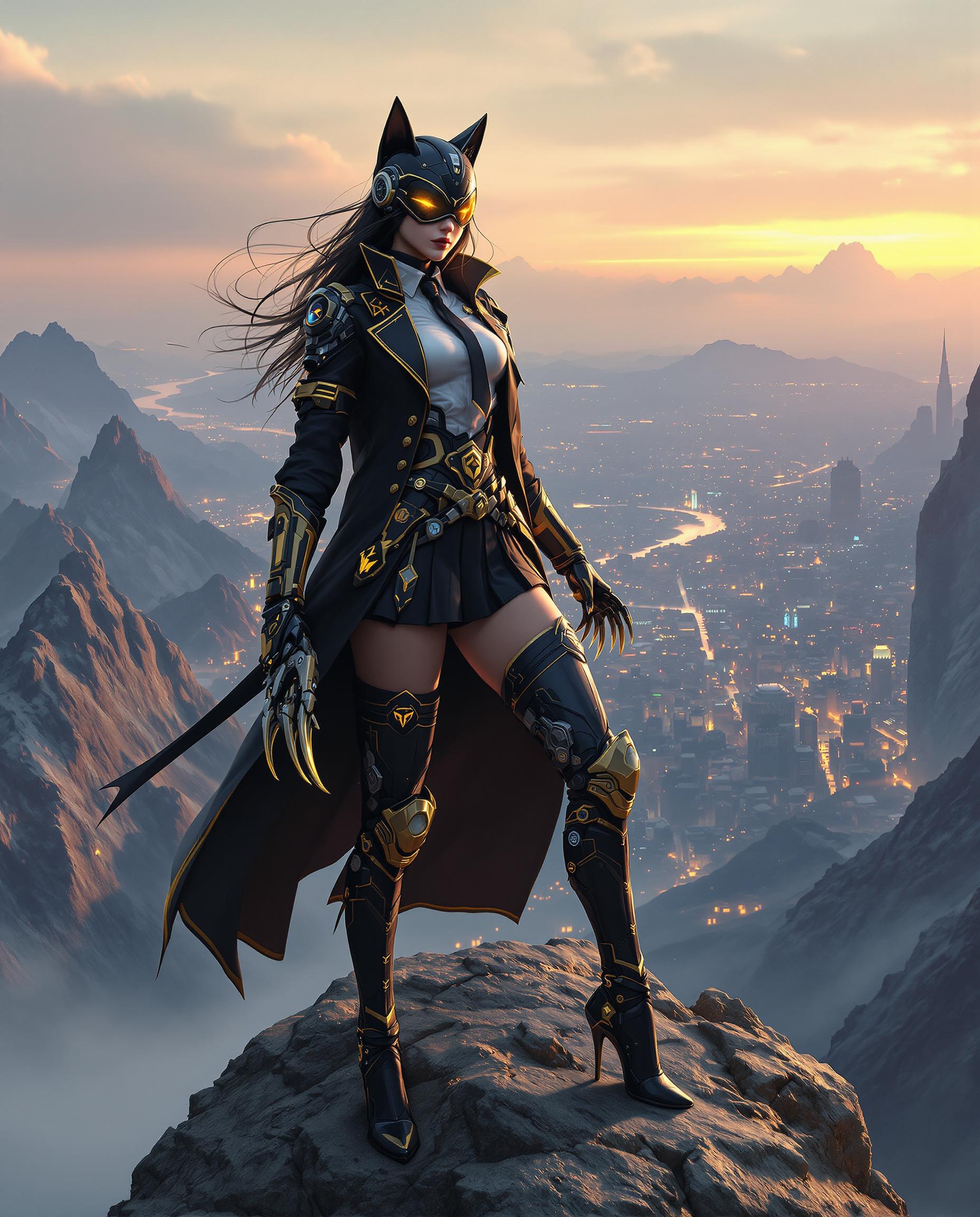
A hyper-realistic close-up digital painting of a fierce female cyberpunk character standing confidently atop a rugged mountain peak, with a sprawling cyberpunk city glowing in the distant background under a neon-lit dusk sky. She wears a futuristic black and gold uniform, including a long coat with golden trim, a white shirt with a badge, a black tie, and a pleated skirt adorned with intricate patches and emblems, paired with mechanical thigh-high boots featuring gold accents and high heels. Her sleek black helmet with catlike ears and a visor reflecting yellow light conceals her face, while long black hair flows beneath, and she wields a menacing mechanical claw weapon with sharp teeth and golden detailing on her right hand, set against a clean light-gray gradient background with soft, diffused lighting that highlights the outfit’s intricate cybernetic design in stunning 8K detail.
AI-generated image
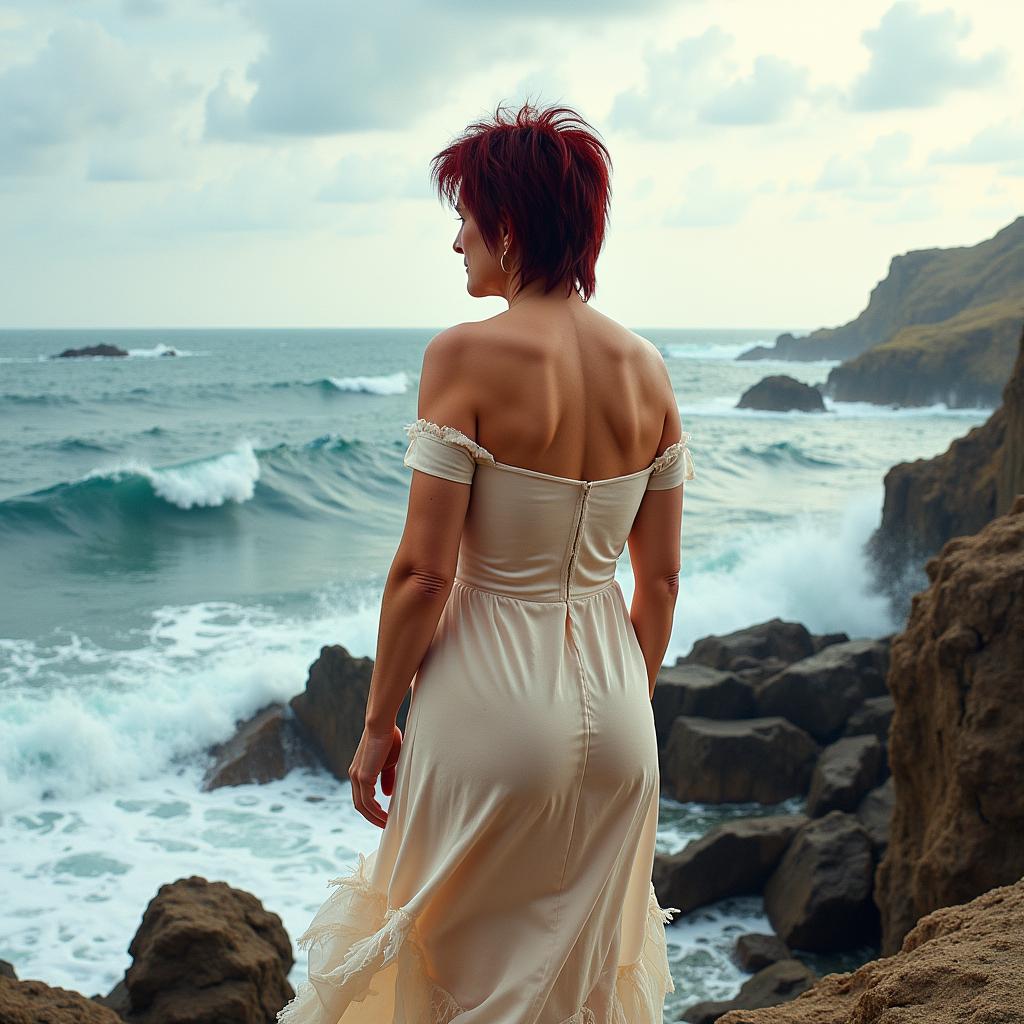
TOKIRIS2, I_body_neutral, This image features a woman standing on a rocky outcrop overlooking the sea. Here are the visual elements present in the image1. Subject A woman with short dark red messy hair, wearing a torn, offshoulder dress that billows around her. Dress The dress is a light, possibly beige or offwhite color, with a delicate, sheer fabric that is torn and frayed at the edges. The dress is offshoulder and appears to be made of a lightweight, flowing material that seems to move with the wind.4. Background Behind the woman, the sea is tumultuous, with waves crashing against the rocks and creating a misty, sprayfilled atmosphere. The water is a deep blue with white foam and splashes of white and yellow, indicating the roughness of the waves.5. Rocks The rocks are rugged and jagged, with a dark, earthy tone that contrasts with the lighter colors of the woman and the sea. The rocks are textured and uneven, with some areas appearing to be wet from the sea spray.6. Sky The sky is overcast and washed in a soft, diffuse light, with light blue and white hues that suggest a cloudy or misty day. The sky is painted with broad, expressive brushstrokes that give it a dynamic and somewhat tumultuous feel.7. Lighting The lighting in the image is soft and natural, with the sun likely behind the viewer, casting a gentle glow on the womans skin and the rocks, while the sea is in shadow, creating a play of light and dark.8. Color Palette The color palette is warm and earthy, with the womans skin and dress in warm tones, the rocks in dark earthy browns, and the sea in cool blues and whites. The contrast between the warm and cool colors adds depth and dimension to the image.9. Composition The composition is balanced with the woman positioned slightly offcenter to the right, drawing the viewers eye across the image from her to the sea and the horizon. The rocky outcrop provides a grounding element and frames the woman, while the waves and sky create a sense of openness and expanse.10. Brushstrokes The brushstrokes are visible in the paintinglike quality of the image, particularly in the sky and the womans dress, giving the image a textural and artistic feel.Overall, the image is a blend of realism and impressionistic elements, capturing the beauty and dynamism of the natural world juxtaposed with the human figure.

Start Creating AI Inpainted Images Today

40+ cutting-edge AI tools, loved by thousands of creators worldwide, cancel anytime, try it today

The Pixel Dojo Advantage

Why PixelDojo outperforms other options for AI inpainting image generation

OthersPixel Dojo
Traditional Photo Editing SoftwareNo need for complex manual editing skills; our AI handles the heavy lifting for you.
Generic AI ToolsSpecialized inpainting algorithms ensure more accurate and natural results tailored to your specific needs.
Manual Retouching ServicesAchieve professional-quality edits instantly without the wait or high costs associated with manual services.

Loved by Creators

See what our community says about ai inpaint

"PixelDojo's inpainting tools have revolutionized my photo editing process. I can now remove unwanted objects and restore old photos with ease."

Jane Doe

Professional Photographer

"As a graphic designer, PixelDojo has become an indispensable part of my workflow. The AI inpainting feature saves me hours of manual editing."

John Smith

Graphic Designer

Common Questions

Everything you need to know about ai inpaint AI generation

How does PixelDojo's AI inpainting work?

Our AI analyzes the surrounding areas of the masked region and intelligently fills it in to create a seamless and natural-looking result.

Can I use PixelDojo to restore old or damaged photos?

Absolutely! Our inpainting tools are perfect for repairing scratches, tears, and other imperfections in old photographs.

Is PixelDojo suitable for beginners?

Yes, our platform is designed with user-friendliness in mind, making it accessible for users of all skill levels.

What file formats does PixelDojo support?

We support a wide range of image formats, including JPEG, PNG, and TIFF.

Is there a limit to the number of images I can edit?

With our subscription plans, you can edit an unlimited number of images. Cancel anytime if you're not satisfied.

How long does it take to process an image?

Processing times are typically under a minute, depending on the complexity of the edit.

Ready to create amazing AI inpainted images?

Ready to Create Amazing ai inpaint Images?

Join thousands of creators using AI to bring their ideas to life