ai image to video free AI Generator

Imagine turning your static images into dynamic, engaging videos that captivate your audience—all without any prior video editing experience. With PixelDojo's free AI Image to Video Generator, you can effortlessly breathe life into your visuals, enhancing your storytelling and boosting engagement across platforms.

AI Generated
Get Started TodayResults in seconds50+ AI models

Join over 10,000 satisfied creators who have transformed their images into compelling videos using PixelDojo's AI tools. Rated 4.8/5 based on 2,000+ reviews.

Why Choose Pixel Dojo for ai image to video free

Professional-quality results with cutting-edge AI technology

Effortless Video Creation

Convert images to videos in minutes without any prior experience, saving time and effort.

Cost-Effective Solution

Access powerful AI video generation tools for free, eliminating the need for expensive software or professional services.

Professional-Quality Results

Utilize cutting-edge AI technology to produce high-quality videos that enhance your content's appeal.

How It Works

Creating dynamic videos from your images is simple with PixelDojo. Follow these steps to get started:

1

Step 1: Choose Your Tool

Select the 'LTX-2 Video' tool from PixelDojo's suite of AI video generators.

2

Step 2: Upload Your Image

Click on the upload button to add your static image. Ensure it's high-resolution for the best results.

3

Step 3: Customize & Generate

Adjust settings like video length and style. Once satisfied, click 'Generate' to create your video.

Community ai image to video free Gallery

Real examples created by our community

a photo of a man flying through the air on a drone. the clouds say "PixelDojo.ai Now With Imagen 4"
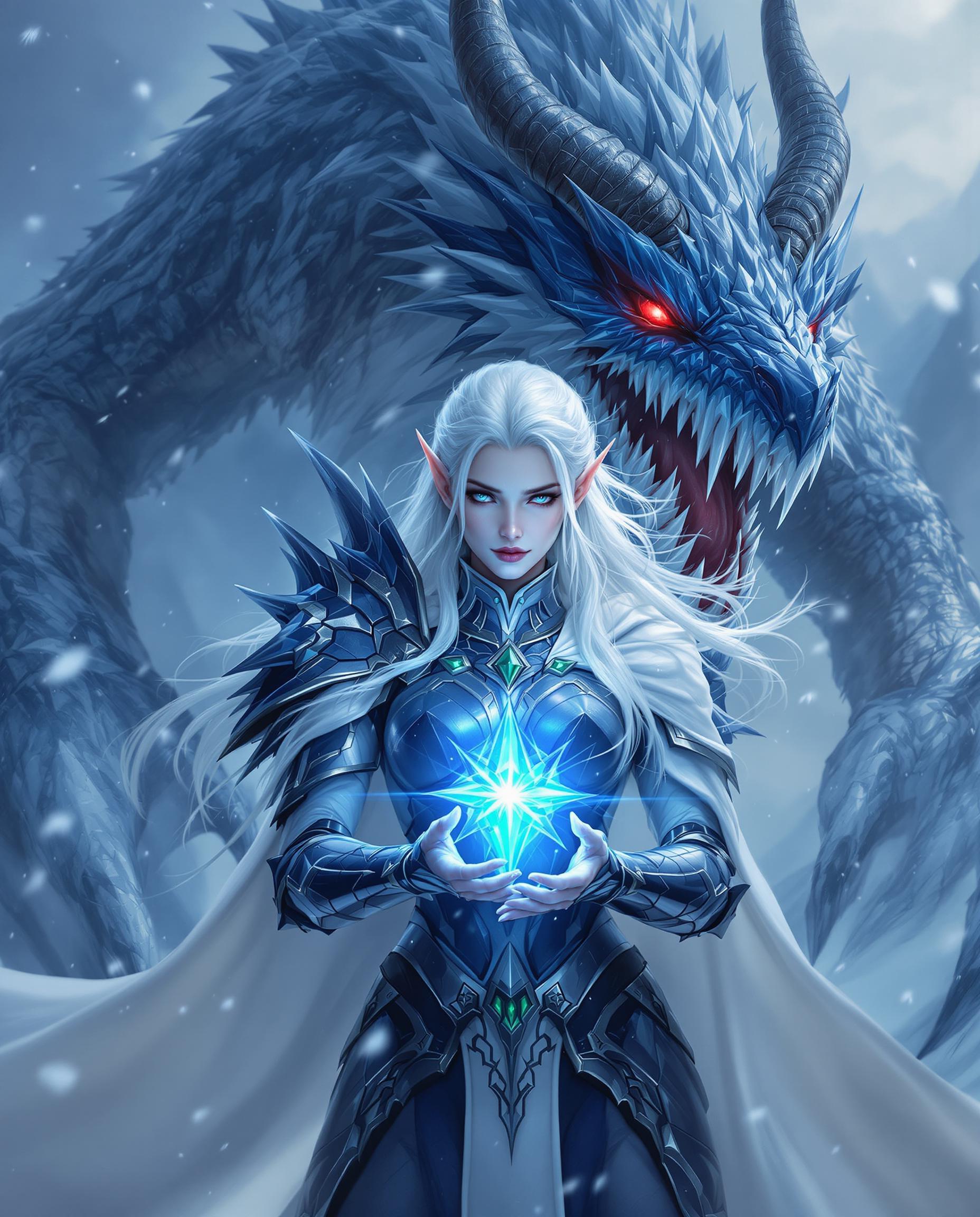
This is a realistic photo (photograph) of a female real person fantasy themed digital artwork, likely created with software such as Photoshop or a similar vector graphics editor. The art style is high fantasy, with a strong emphasis on detailed armor and mythical creatures, and it has a cinematic quality, suggesting it could be concept art for a video game or a movie.Medium The image is a digital painting, created on a computer using specialized software. The artist likely used a stylus or a mouse to apply brush strokes and digital paints.Colors The color palette is rich and varied, with a cool, icy blue and white theme that gives the image a wintry, otherworldly feel. The armor and the creature are predominantly shades of blue and black, with touches of green and silver accents. The red eyes of the creature and the glowing blue gem in the hand of the figure provide a stark contrast, drawing the viewers attention and adding to the dramatic effect.Objects in the Image1. The central figure is a female elf, dressed in a detailed, armored costume. The armor is primarily blue with black and silver accents, and it is adorned with green jewels. The elf has long, flowing white hair and pointed ears, and her skin is a pale, icy white. She is wearing a white cloak that billows around her, adding to the dynamic feel of the image.2. Behind the elf is a massive, menacing creature that resembles a dragon. It has a large, toothy maw, glowing red eyes, and sharp horns. The creatures scales are a mix of blue and white, and it has jagged, iciclelike protrusions on its body. It is surrounded by shards of ice and crystals, which enhance the icy, wintry atmosphere of the scene.3. The elf is holding a glowing blue gem in her hand. The gem is the focal point of the image, with a starburst effect that adds to the magical and otherworldly feel of the scene.4. The background is a snowy landscape, with jagged peaks and a swirling, icy mist. The falling snowflakes add to the wintry feel of the scene, and the overall composition of the image creates a sense of depth and movement.Overall, the image is a stunning example of high fantasy art, with a strong emphasis on detailed armor, mythical creatures, and a wintry, icy atmosphere. The use of color and composition creates a sense of drama and tension, and the overall effect is one of awe and wonder.
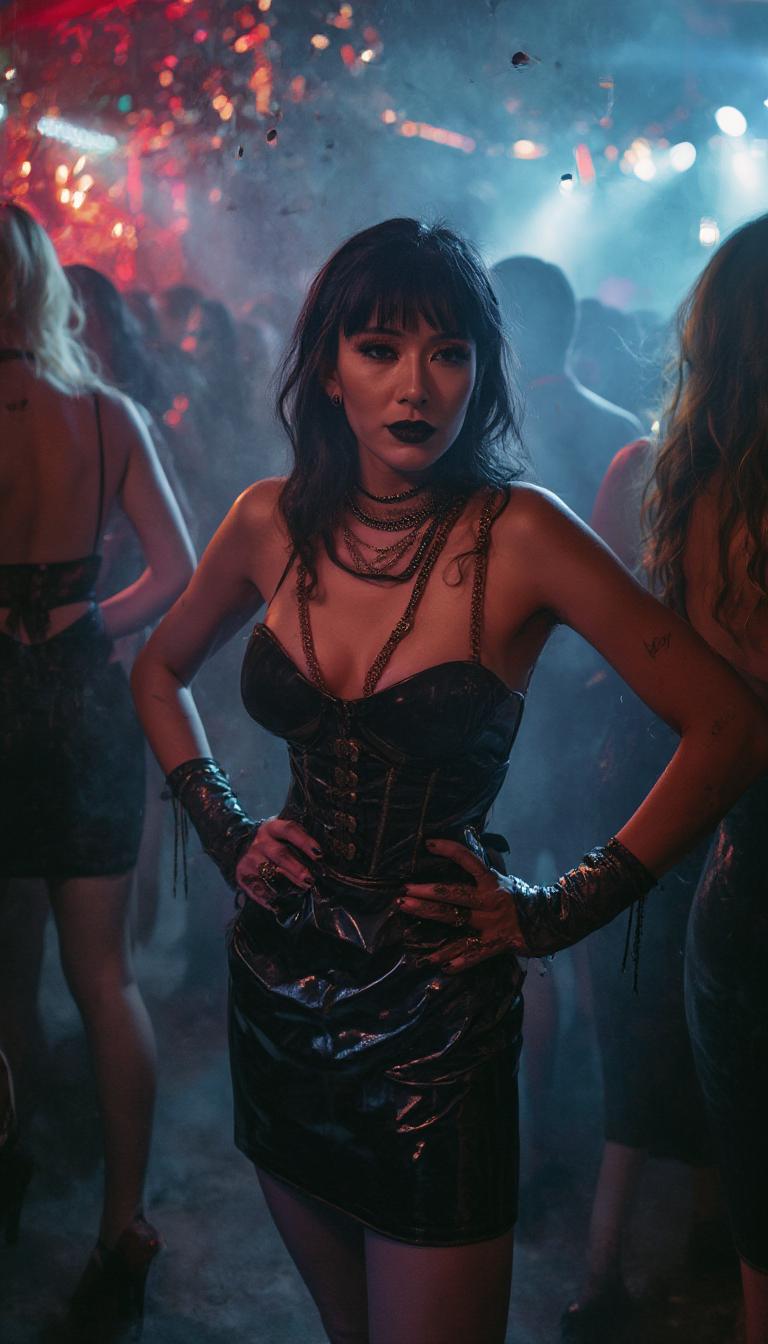
{
  "SHOT COMPOSITION": "Capture a medium shot of the woman standing confidently in the center of the frame, using a 50mm lens on a Sony A7S III camera with a shallow depth of field to blur the surrounding crowd slightly while keeping her sharply in focus, emphasizing her striking presence amid the bustling nightclub energy.",
  "SUBJECT & WARDROBE": "A beautiful mid-40s woman with goth pale skin, dark bold makeup, and shiny black lipstick poses with shiny black hair cascading over one shoulder while the opposite side is shaved down to fuzz; she wears a knee-length shiny black latex pencil skirt, a tight shiny black latex corset that accentuates her 50EE breasts, shiny black stiletto heels with crimson soles, elegant gold and ruby jewelry, shiny black latex fingerless gloves, and fingernails painted shiny black, her expression exuding mysterious allure as she stands poised with hands on hips.",
  "SCENE SETTING": "The scene unfolds in the heart of a dimly lit nightclub during late-night hours, with vibrant neon lights casting colorful glows and shadows across the space, surrounded by a crowd of similarly dressed partygoers in shiny black latex attire dancing and mingling, creating a dramatic and energetic atmosphere filled with pulsing music and hazy smoke.",
  "VISUAL STYLE": "Render in a cinematic film style with a dark, moody aesthetic, incorporating subtle film grain for texture and cool-toned color grading to enhance the goth vibe, evoking a high-fashion editorial look with glossy highlights on the latex surfaces and jewel sparkles."
}
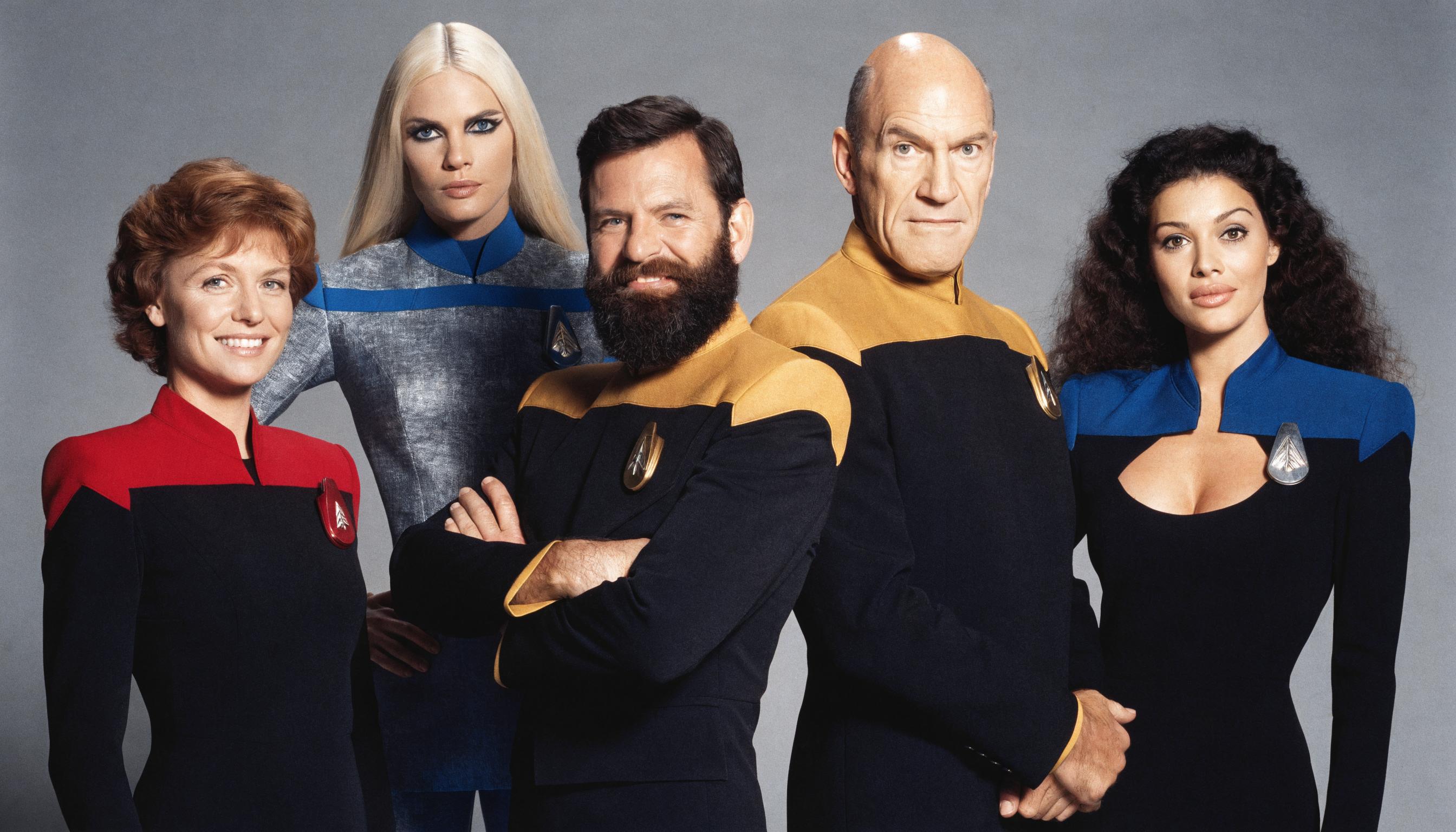
A highly detailed photorealistic studio portrait photograph of five Star Trek: The Next Generation cast members posed closely together against a seamless medium gray backdrop, in the classic 1980s-1990s CBS promotional photo style with soft even studio lighting, subtle shadows, high contrast, and sharp focus on faces. From left to right: 

- First woman (Dr. Beverly Crusher, Gates McFadden likeness): mid-30s Caucasian female with short wavy auburn-reddish brown hair framing her face, warm smile with subtle laugh lines, fair skin, wearing form-fitting black Starfleet uniform with red shoulders and collar, red comm badge on chest, standing confidently with hands at sides.

- Second woman (Lieutenant Tasha Yar, Denise Crosby likeness): late-20s tall athletic blonde Caucasian female with long straight platinum blonde hair parted in center falling past shoulders, striking dramatic black eye makeup accentuating her blue eyes, neutral confident expression, pale skin, wearing sleek gray-silver toned Starfleet sciences uniform with blue shoulders, blue comm badge, posed slightly behind with one hand on hip.

- Central man (Commander William Riker, Jonathan Frakes likeness): early-40s tall broad-shouldered Caucasian male with short dark brown hair, full thick dark beard and mustache, intense smiling expression with crinkled eyes, tanned skin, wearing black Starfleet uniform with mustard-yellow/gold shoulders and collar, gold comm badge, arms crossed confidently.

- Next man (Captain Jean-Luc Picard, Patrick Stewart likeness): mid-50s bald Caucasian male with shiny smooth bald head, prominent ears, stern yet warm smiling expression with thin lips and high cheekbones, light skin, wearing black Starfleet uniform with mustard-yellow/gold shoulders and collar, gold comm badge, standing with hands clasped in front.

- Rightmost woman (Counselor Deanna Troi, Marina Sirtis likeness): late-20s curvaceous Mediterranean female with long voluminous dark brown nearly black curly hair cascading over shoulders, large expressive dark eyes, full lips in soft smile, olive skin, wearing elegant black Starfleet uniform dress with deep blue shoulders, low scoop neckline revealing subtle cleavage, blue comm badge, posed gracefully with hands relaxed at sides.

All actors in precise iconic 1987 Season 1 poses, slight overlapping arrangement in a tight group formation, neutral professional expressions with subtle camaraderie, rich color saturation on uniforms (crisp black fabrics, vibrant red/blue/gold panels with subtle sheen), natural skin tones, high-resolution 35mm film grain texture, perfect anatomical accuracy, dramatic yet approachable composition, 8k ultra-detailed, cinematic depth of field with razor-sharp faces.

Start Creating AI-Generated Videos Today

40+ cutting-edge AI tools, loved by thousands of creators worldwide, cancel anytime, try it today

The Pixel Dojo Advantage

Why PixelDojo outperforms other options for AI image-to-video generation

OthersPixel Dojo
Traditional Video EditingNo need for complex software or editing skills; create videos effortlessly.
Generic AI ToolsAccess a comprehensive suite of AI tools tailored for diverse creative needs.
Manual AnimationSave hours of manual work with automated, high-quality video generation.

Loved by Creators

See what our community says about ai image to video free

"PixelDojo transformed my static product images into engaging videos that boosted my sales."

Alex Johnson

E-commerce Entrepreneur

"As a content creator, PixelDojo's AI tools have been a game-changer for my video production process."

Maria Lopez

YouTuber

Common Questions

Everything you need to know about ai image to video free AI generation

Is PixelDojo's AI image to video generator truly free?

Yes, PixelDojo offers a free AI image to video generator that allows you to create videos without any cost. There are no hidden fees or subscriptions required.

Do I need prior video editing experience to use PixelDojo?

No, PixelDojo's tools are designed to be user-friendly, enabling anyone to create professional-quality videos without prior experience.

Can I use the generated videos for commercial purposes?

Yes, videos created with PixelDojo can be used for both personal and commercial projects, providing flexibility for various applications.

How long does it take to generate a video?

Most videos are generated in less than 10 minutes. However, processing times may vary depending on server load and video complexity.

Are there customization options available?

Yes, PixelDojo offers various customization options, including video length, style, and motion intensity, allowing you to tailor the output to your needs.

Is there a limit to the number of videos I can create?

PixelDojo allows unlimited video generation, so you can create as many videos as you need without restrictions.

Ready to create amazing AI-generated videos?

Ready to Create Amazing ai image to video free Images?

Join thousands of creators using AI to bring their ideas to life