ai gif maker AI Generator
Unlock the power of animation with PixelDojo's AI GIF Maker. Whether you're looking to enhance your social media presence, add dynamic elements to your marketing campaigns, or simply express yourself creatively, our AI-driven tools make GIF creation seamless and accessible. No design experience? No problem. With PixelDojo, you can transform text prompts or images into captivating GIFs in just a few clicks.
Join over 10,000 satisfied creators who have generated more than 1 million GIFs using PixelDojo's AI tools. Rated 4.9/5 based on user reviews.
Why Choose Pixel Dojo for ai gif maker
Professional-quality results with cutting-edge AI technology
Effortless GIF Creation
Generate high-quality GIFs from text or images without any design skills.
Time-Saving Automation
Create engaging animations in seconds, streamlining your content production.
Versatile Applications
Use your custom GIFs across social media, marketing materials, and personal projects.
How It Works
Creating GIFs with PixelDojo is a straightforward process. Follow these simple steps to bring your ideas to life:
Step 1: Choose Your Tool
Select the AI GIF Maker from PixelDojo's suite of tools to begin your creation.
Step 2: Enter Your Prompt
Input a descriptive text prompt or upload an image to guide the GIF generation.
Step 3: Customize & Download
Preview the generated GIF, make any desired adjustments, and download the final product.



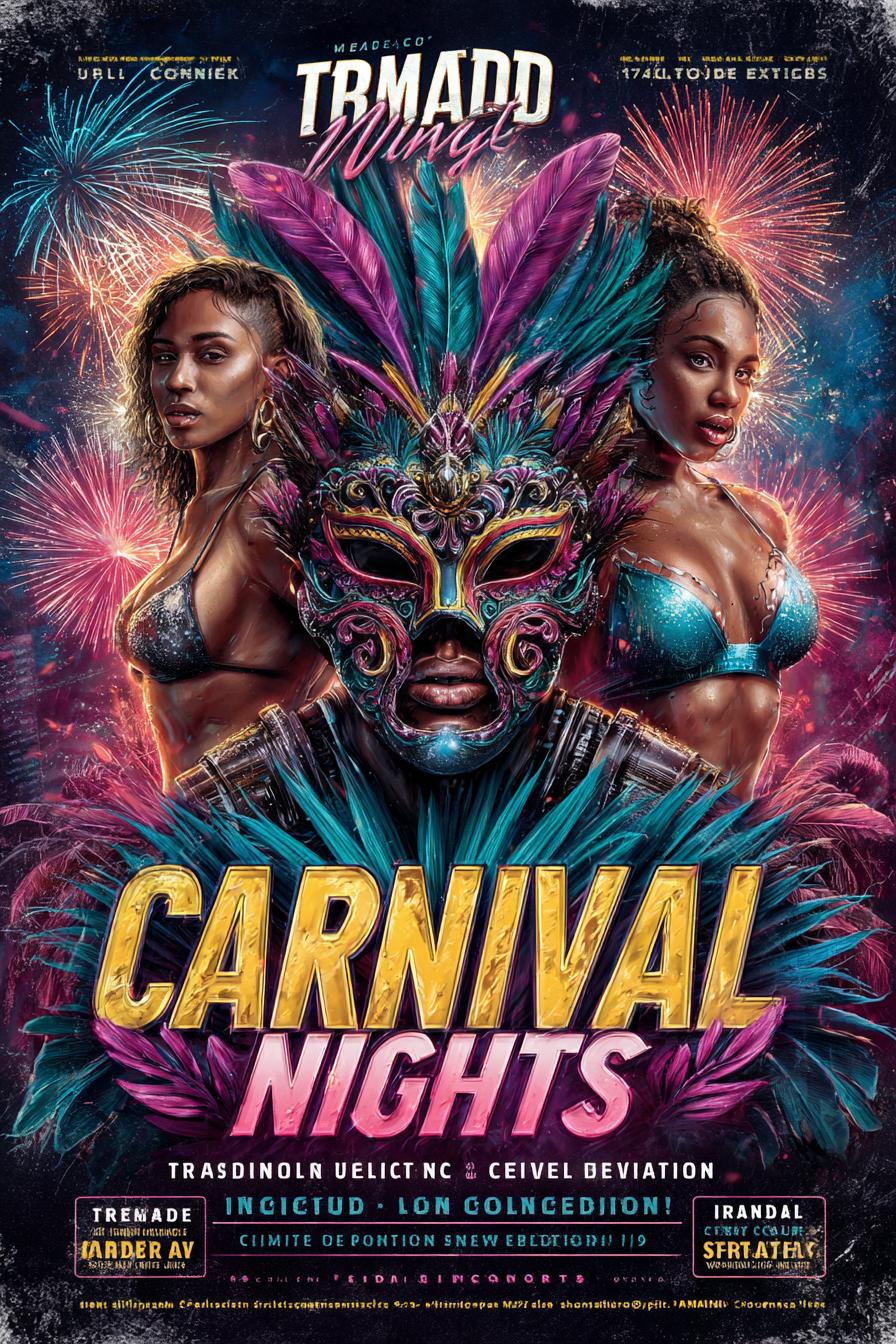

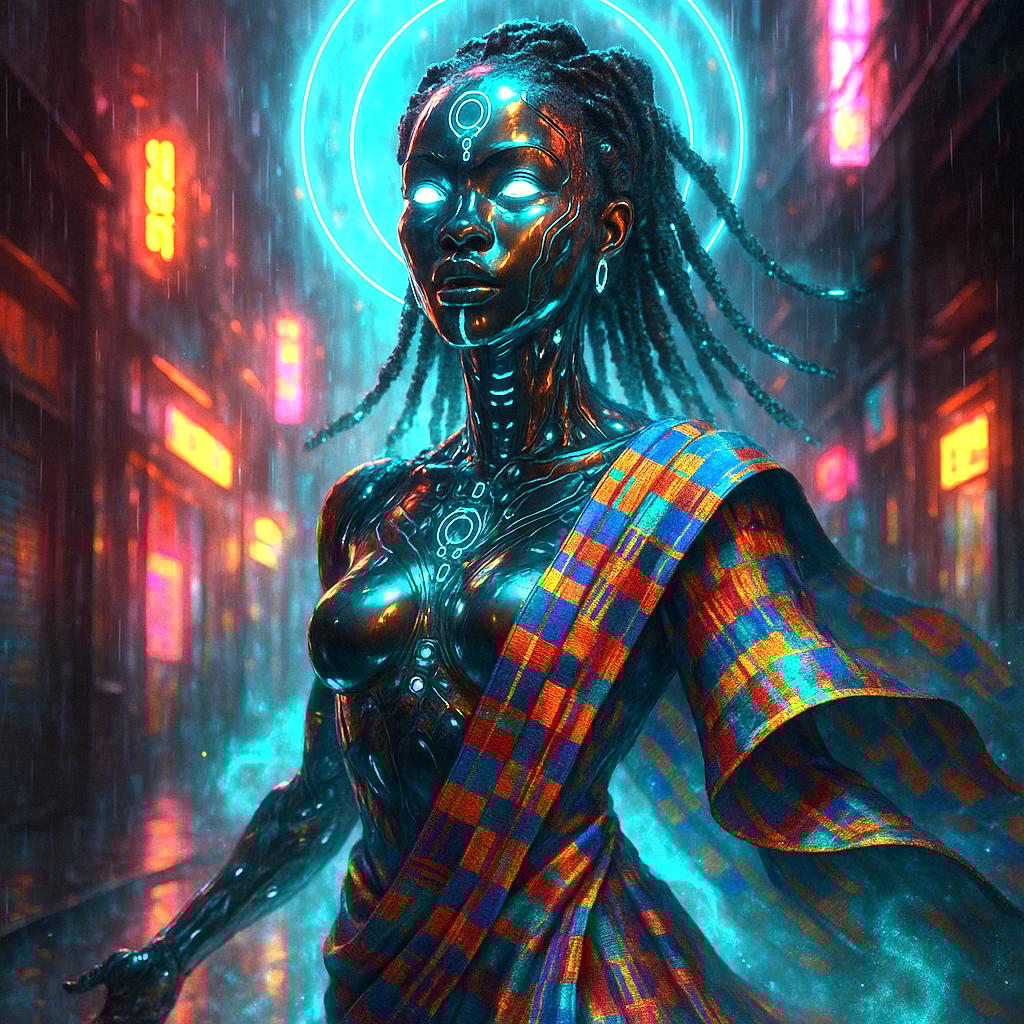
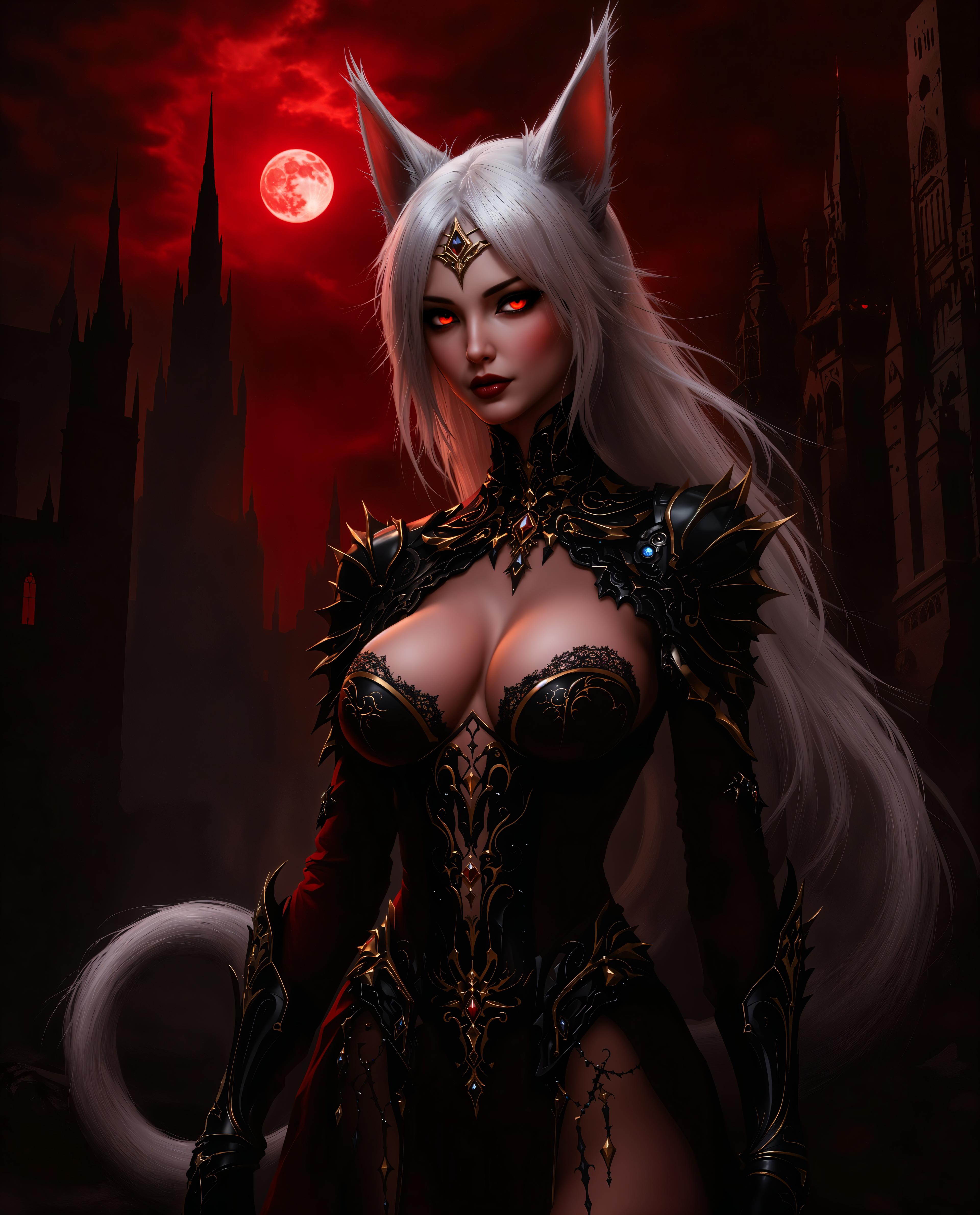

The Pixel Dojo Advantage
Why PixelDojo outperforms other options for AI GIF creation:
| Others | Pixel Dojo |
|---|---|
| Traditional GIF Creation | Eliminates the need for complex software and manual frame-by-frame editing. |
| Generic AI Tools | Offers specialized features tailored specifically for GIF creation, ensuring optimal results. |
| Manual Photo Editing | Automates the animation process, saving time and effort while delivering professional-quality GIFs. |
Loved by Creators
See what our community says about ai gif maker
"PixelDojo's AI GIF Maker transformed my content strategy. I can now produce engaging animations in minutes!"
Alex Johnson
Digital Marketer
"As someone with no design background, I found PixelDojo incredibly user-friendly. Creating GIFs has never been easier."
Samantha Lee
Social Media Influencer
Common Questions
Everything you need to know about ai gif maker AI generation
How does PixelDojo's AI GIF Maker work?
Our AI GIF Maker uses advanced algorithms to convert your text prompts or images into animated GIFs. Simply input your idea, and the AI handles the rest, generating a high-quality animation in seconds.
Do I need any design experience to use PixelDojo?
No, PixelDojo is designed for users of all skill levels. Our intuitive interface and AI-powered tools make GIF creation accessible to everyone, regardless of design experience.
Can I use the GIFs created with PixelDojo for commercial purposes?
Yes, GIFs generated using PixelDojo can be used for both personal and commercial projects, including marketing campaigns, social media content, and more.
Is there a limit to the number of GIFs I can create?
PixelDojo offers various subscription plans to suit different needs. Depending on your plan, you can create an unlimited number of GIFs. Check our pricing page for more details.
What file formats are supported for image uploads?
PixelDojo supports a wide range of image formats, including JPEG, PNG, and GIF. This flexibility allows you to use your existing images seamlessly.
How do I share my created GIFs on social media?
After creating your GIF, you can download it directly to your device and upload it to your preferred social media platforms. PixelDojo ensures that the GIFs are optimized for sharing across various channels.