AI camera moves AI Generator

Imagine bringing your stories to life with seamless camera movements that rival Hollywood productions—all without a film crew or expensive gear. With PixelDojo's AI camera moves tools, you can generate dynamic videos featuring professional panning, zooming, tracking, and orbiting shots in minutes. Whether you're a content creator, marketer, or filmmaker, achieve captivating visuals that engage audiences, boost your brand, and elevate your projects to new heights. No technical skills required—just your imagination and our cutting-edge AI to deliver polished, high-impact results that save you time and money.

AI Generated
Get Started TodayResults in seconds50+ AI models

Join over 50,000 creators who've generated millions of AI videos with PixelDojo. Rated 4.9/5 on Trustpilot from 2,500+ reviews. Featured in top creative blogs for revolutionary AI tools that democratize video production.

Why Choose Pixel Dojo for AI camera moves

Professional-quality results with cutting-edge AI technology

Effortless Cinematic Quality

Produce videos with smooth camera moves like dolly zooms or aerial pans that make your content look professionally shot, captivating viewers and increasing engagement without hiring a videographer.

Rapid Creation Speed

Generate complex camera movements in seconds, allowing you to iterate quickly on ideas, meet tight deadlines, and scale your video production for social media, ads, or films.

Unlimited Creative Freedom

Experiment with endless variations of camera angles and motions to tell unique stories, customize scenes to fit your vision, and stand out in a crowded digital landscape.

How It Works

Creating AI camera moves with PixelDojo is simple and intuitive. Use our specialized video tools to simulate dynamic movements, turning static ideas into moving masterpieces. Follow these steps to get started and achieve professional results effortlessly.

1

Step 1: Choose Your Tool

Log in to PixelDojo and select from our video generation tools like Kling v2.5 Turbo Pro or Runway Gen-4 Video. These are optimized for camera moves, allowing you to input scenes that incorporate panning, zooming, or tracking. Pick the one that matches your project's needs for the best dynamic effects.

2

Step 2: Enter Your Prompt

Describe your scene in detail, including the desired camera move—such as 'zoom in on the mountain peak while orbiting clockwise.' Refine with options like speed, duration, and style to ensure the AI captures your vision perfectly. Our tools like Pixverse or Sora 2 handle complex prompts for realistic movements.

3

Step 3: Customize & Download

Preview the generated video, then use editing tools like Video Reframe or Lip Sync to fine-tune framing, add audio, or adjust timing. Once satisfied, download in high resolution. Upscale with Video Upscaler for even sharper results, ready for sharing or professional use.

Community AI camera moves Gallery

Real examples created by our community

a photo of a man flying through the air on a drone. the clouds say "PixelDojo.ai Now With Imagen 4"
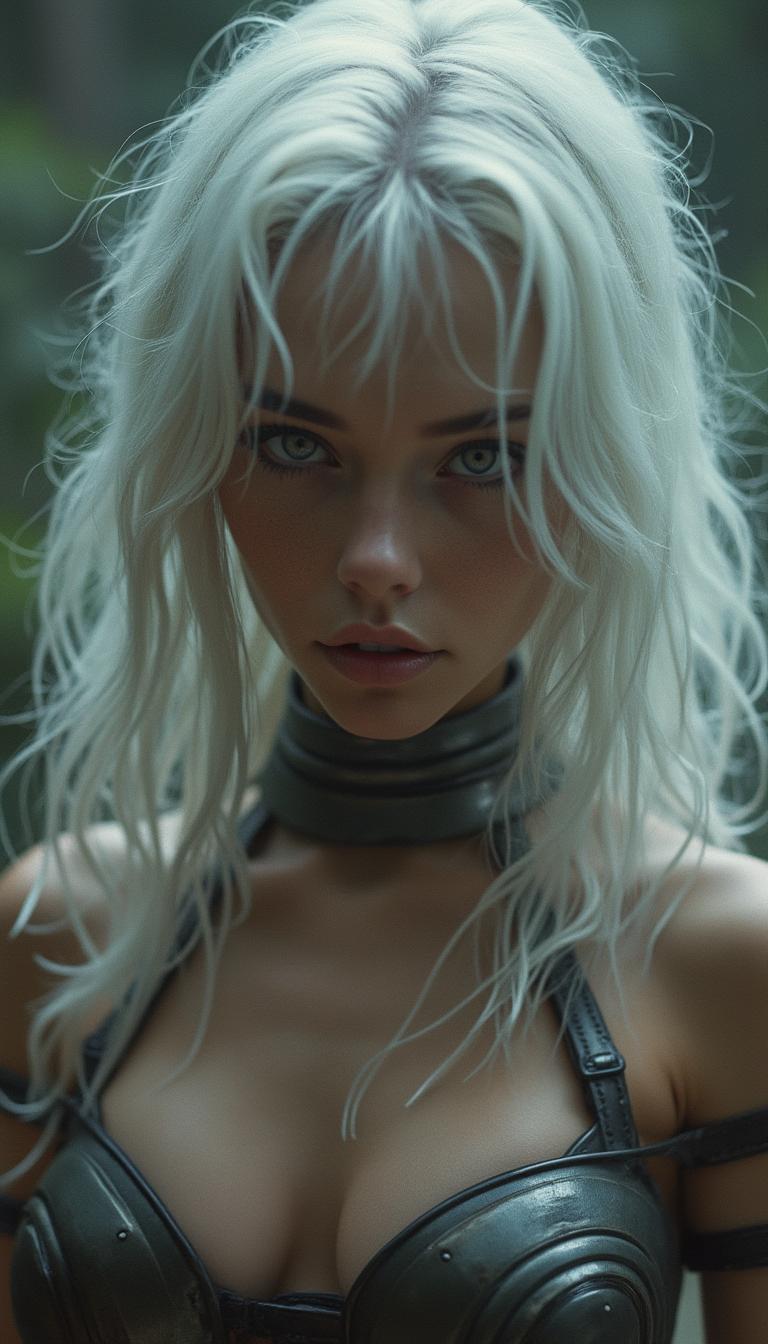
cinematic film still 1girl, cute, fierce, young, white hair, mysterious,  alluring white eyes a paragon of beauty, bikini metal armor . shallow depth of field, vignette, highly detailed, high budget, bokeh, cinemascope, moody, epic, gorgeous, film grain, grainy, Photo realistic, hyper detail, hyper realistic
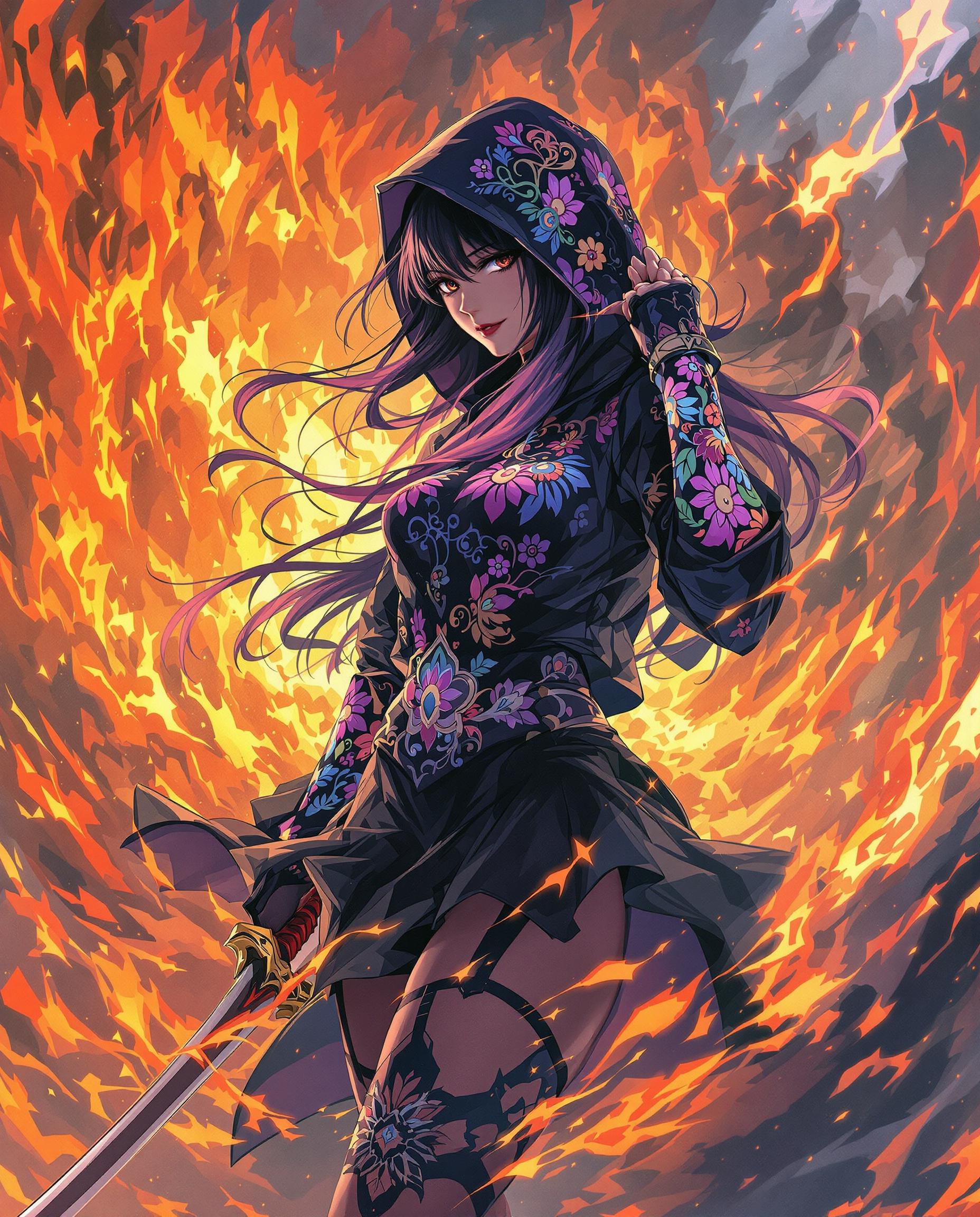
This is a realistic photo (photograph) of a female real person image that features a character with a powerful and dynamic presence. The art style is realistic, with its vibrant colors, detailed line work, and stylized characters. The medium appears to be digital painting, given the smooth blending of colors and the lack of texture that might be present in traditional mediums.The character is wearing a black hoodie with a high collar and a matching black skirt. The hoodie is adorned with intricate, colorful designs that seem to be a mix of floral and abstract shapes, with a predominance of purples, pinks, and blues. The sleeves of the hoodie are rolled up to reveal the characters arms, which are also covered in similar designs.The characters hair is long and straight, with a gradient of colors that range from dark roots to lighter ends. The hair is styled in a way that it flows down the back, and there are hints of red and yellow in the strands, which could suggest a fiery or magical aura.The character is also wearing a pair of thighhigh stockings with a black and purple design that matches the hoodie. The stockings are held up by a black garter belt with a similar design.The characters right hand is visible, and it is holding a sword with a long, curved blade and a red hilt. The sword has a dynamic, flowing design that seems to be in motion, as if the character is in the midst of a battle or a powerful action.The background of the image is filled with a chaotic explosion of fiery colors, primarily oranges and yellows, with some reds and purples. The flames are depicted in a way that they seem to be swirling and moving, creating a sense of energy and power. The fiery background contrasts sharply with the cool tones of the characters clothing, highlighting the figure as the focal point of the image.Overall, the image conveys a sense of drama, power, and mystique, with a strong emphasis on the characters presence and the dynamic energy of the scene.
AI-generated image
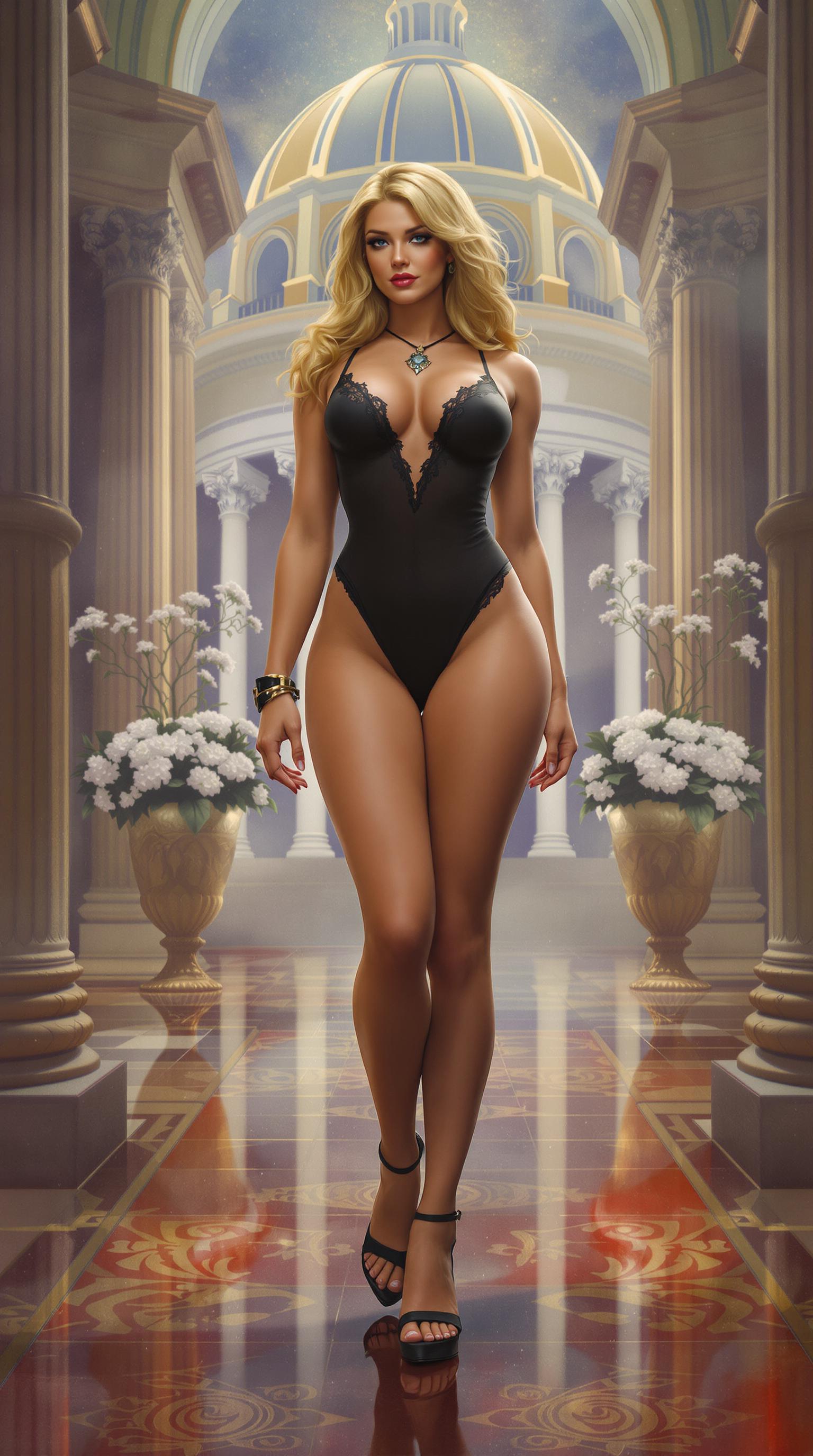
This is a digital painting that features a central figure in a classical setting. The art style is reminiscent of fantasy or science fiction illustrations, with a focus on detailed anatomy and a rich, almost hyperrealistic color palette.The medium appears to be digital painting software, given the smooth gradients and lack of texture that might be present in traditional mediums like oil or acrylic.The colors are vibrant and varied, with a strong emphasis on the contrast between the warm tones of the figure and the cooler, more muted colors of the background. The figure is wearing a black bodysuit with lace detailing, which stands out against the paler tones of the skin and the surrounding architecture.The objects in the image include1. The central figure, a muscular woman with blonde hair dressed in a black bodysuit with lace detailing.2. A pair of highheeled sandals with a buckle detail.3. A necklace and bracelet on the figures neck and wrist.4. A classical architectural setting with columns, arches, and a domed structure in the background.5. Two large potted plants with white flowers on either side of the figure.6. Reflective flooring that mirrors the architecture and the figures silhouette.7. A misty, atmospheric quality to the background, which adds depth and a sense of mystery to the scene.Overall, the image exudes a sense of elegance, power, and mystery, with a strong emphasis on the figures presence and the classical setting.
Portrait series with neutral background
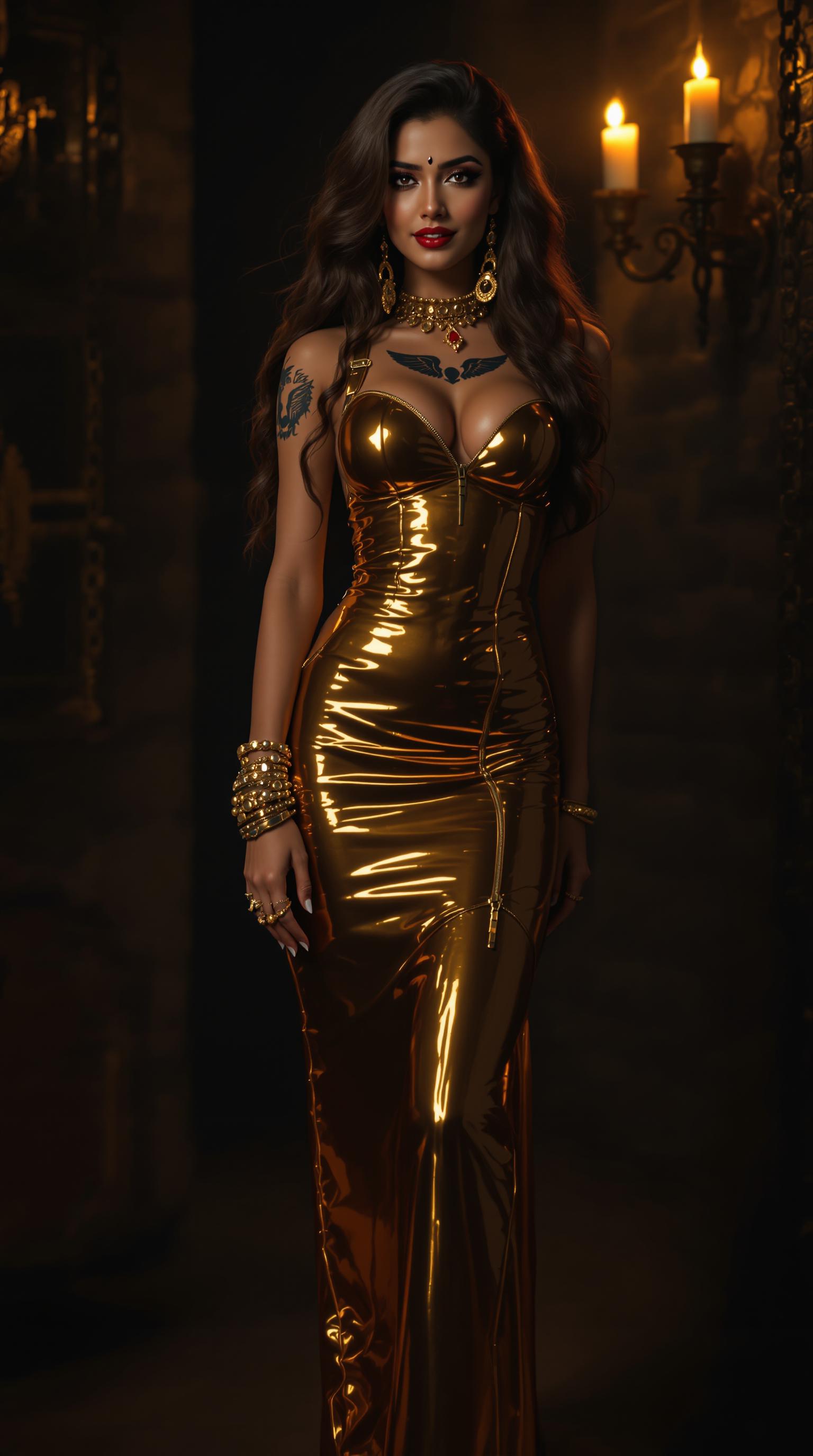
A captivating 21-year-old Bollywood beauty, an Indian woman with rich, deep-toned skin embodying Hindu heritage, radiating a mesmerizing fusion of vintage charm and modern edge. A tiny, bright ruby gleams on her forehead in place of a traditional bindi, catching the light with a subtle sparkle. Her long, shiny chestnut hair cascades in soft, voluminous waves over her shoulders, each strand glistening with a silky, radiant sheen under dramatic illumination. Her curvaceous figure is accentuated by a tight, glossy gold latex floor-length dress, clinging to her form with a polished, mirror-like finish that reflects light in sharp highlights, emphasizing every contour and curve. The dress is adorned with intricate zippers, straps, and polished buckles, creating a daring, structured aesthetic. She wears striking gold latex knee-high platform boots, their sleek, gleaming surface adding a bold, rebellious flair, shimmering under the dramatic lighting. A detailed tattoo of angel wings spans across her back, intricately inked over her shoulder blades with fine linework and subtle shading, adding a layer of mystique to her allure. Her hands and neck are adorned with an array of bright gold accessories—numerous rings, bangle bracelets, and circlets—each piece catching the light with a warm, opulent glow.

The scene unfolds in a dimly lit BDSM dungeon with a retro-inspired twist, featuring dark, textured stone walls adorned with vintage metal fixtures, heavy chains, and faint traces of flickering candlelight casting dynamic, dancing shadows across the space, creating a sultry, underground ambiance. The composition centers on her confident pose, standing slightly angled to the camera, one hand resting assertively on her hip, the other relaxed by her side, her playful yet alluring smile radiating seductive charm. The camera angle is slightly low, emphasizing her commanding presence and the dramatic lines of her outfit against the shadowy, atmospheric backdrop.

Lighting is a masterful blend of soft, warm key light illuminating her flawless face, accentuating her high cheekbones, deep almond-shaped eyes, and full, glossy lips, while subtle, moody rim lighting traces the edges of her form, highlighting the reflective, liquid-like texture of the latex and the intricate details of her tattoo. The mood is sultry and glamorous, steeped in a timeless, seductive atmosphere with a faint nostalgic warmth reminiscent of classic Hollywood allure, yet infused with the raw, provocative edge of the dungeon setting.

Rendered in a high-definition, hyper-realistic style with meticulous attention to fine details: the smooth, glossy texture of the latex reflecting light with precision, the
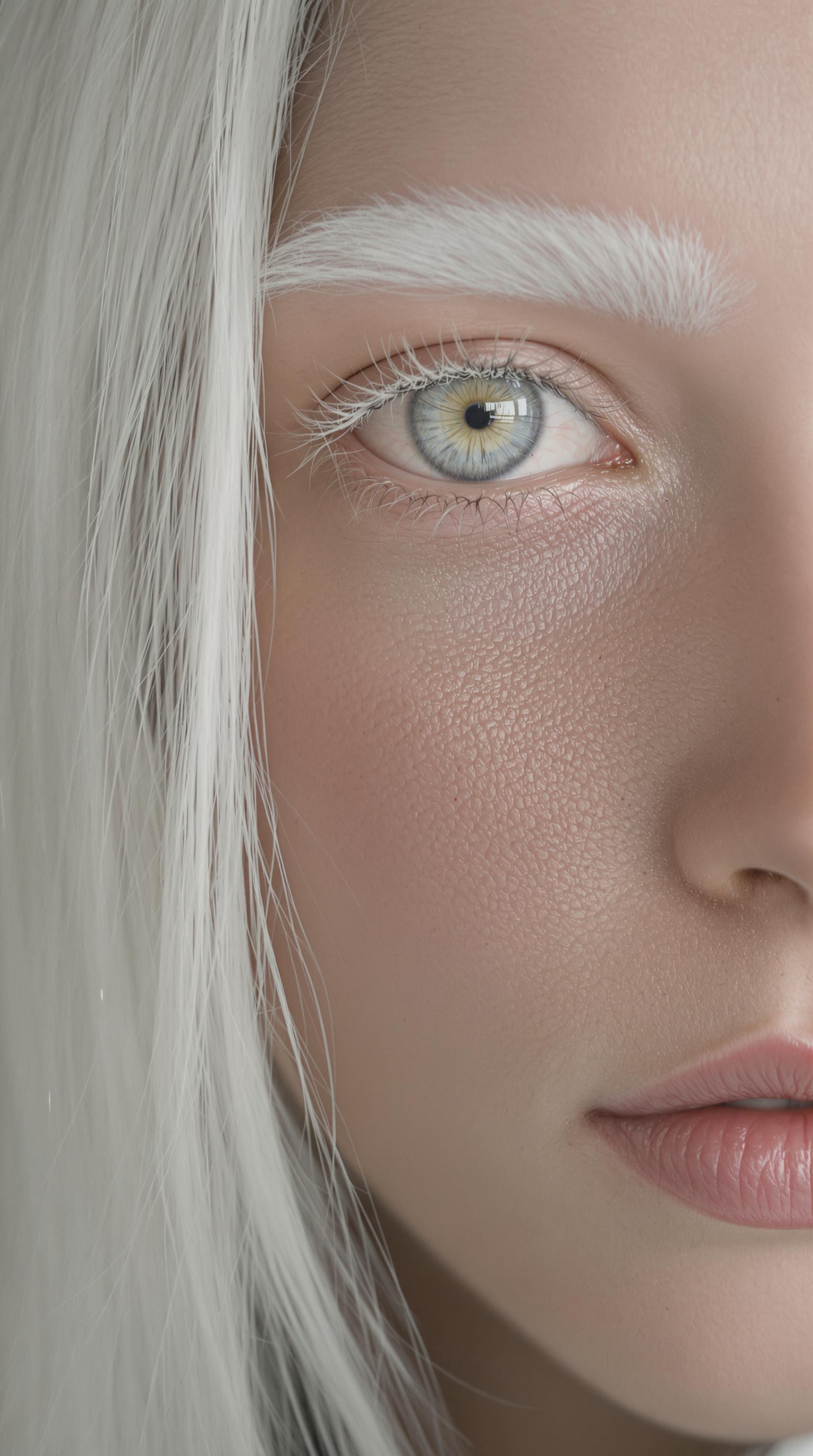
photorealistic, extrem detailed, closeup portrait, young woman, albino, very white long straight hair, white eye brows, eyes without iris, white eyes, (full lips), (parted lips), detailed skin, natural skin, skin pores, pale skin,

Start Creating AI Camera Moves Today

40+ cutting edge AI tools, loved by thousands of creators worldwide, cancel anytime, try it today

The Pixel Dojo Advantage

Why PixelDojo outperforms other options for AI camera moves video generation

OthersPixel Dojo
Traditional video productionSkip the need for cameras, crews, and editing software—generate pro-level camera moves instantly, saving thousands in costs and weeks in production time
Generic AI toolsAccess specialized models like Kling v2.5 Turbo Pro tailored for precise camera simulations, delivering more realistic and customizable movements than basic generators
Manual video editingAutomate complex effects like orbiting shots without learning software, achieving flawless results in minutes instead of hours of tedious adjustments

Loved by Creators

See what our community says about AI camera moves

"PixelDojo's AI camera moves turned my simple script into a cinematic trailer overnight. The panning shots look like they were filmed with a drone—game-changer for indie filmmakers!"

Alex Rivera

Independent Filmmaker

"As a marketer, I create engaging ads with dynamic zooms and tracks using PixelDojo. It's boosted our video views by 300% without any production hassle."

Jordan Lee

Digital Marketer

Common Questions

Everything you need to know about AI camera moves AI generation

How can I create realistic AI camera moves for videos?

With PixelDojo, you can generate realistic AI camera moves using tools like Kling v2.5 Turbo Pro or Runway Gen-4 Video. Simply input a detailed prompt describing the scene and movement, such as panning across a landscape. Our AI handles the simulation, producing smooth, professional results. Customize further with Video Reframe for perfect framing, helping you achieve cinematic quality that engages audiences and elevates your content creation.

What are the best AI tools for simulating camera panning and zooming?

PixelDojo offers top tools like Pixverse and Sora 2 for simulating camera panning and zooming. These allow you to describe movements in your prompt, generating videos with fluid transitions. Combine with editing features like Video Upscaler to enhance clarity, enabling you to produce high-impact videos quickly and cost-effectively for any project.

Can AI generate dynamic camera moves like tracking shots?

Yes, PixelDojo's AI excels at generating dynamic camera moves like tracking shots using models such as LTX-2 Video or VEO 3.1. Describe the path and subject in your prompt, and the AI creates seamless motion. Edit with tools like Merge Videos to combine clips, giving you the freedom to craft compelling narratives without traditional filming equipment.

How to use AI for orbiting camera effects in video generation?

PixelDojo makes orbiting camera effects easy with tools like WAN 2.5 Video or Hailuo 2.3. Enter a prompt specifying the orbit, such as circling a central object, and generate the video. Refine using Lip Sync or Extract Frame for added polish, allowing you to create immersive 360-degree views that captivate viewers and enhance storytelling.

What trends are there in AI camera moves for content creators?

Current trends in AI camera moves include hyper-realistic simulations and integration with audio, as seen in PixelDojo's WAN Sound to Video tool. Creators are using these for social media reels with quick zooms and pans. Our platform stays ahead with updates to models like Kling v2.1, helping you produce trending content that boosts engagement and reaches wider audiences.

How does PixelDojo help with editing AI-generated camera moves?

PixelDojo provides robust editing for AI-generated camera moves via tools like Video Autocaption, Runway Aleph, and WAN 2.2 Replace. After generation, adjust timing, add captions, or replace elements seamlessly. This ensures your videos are polished and ready for platforms, saving time and letting you focus on creativity rather than technical fixes.

Ready to create amazing AI camera moves?

Ready to Create Amazing AI camera moves Images?

Join thousands of creators using AI to bring their ideas to life